 Salemate
1. Check what's in stock
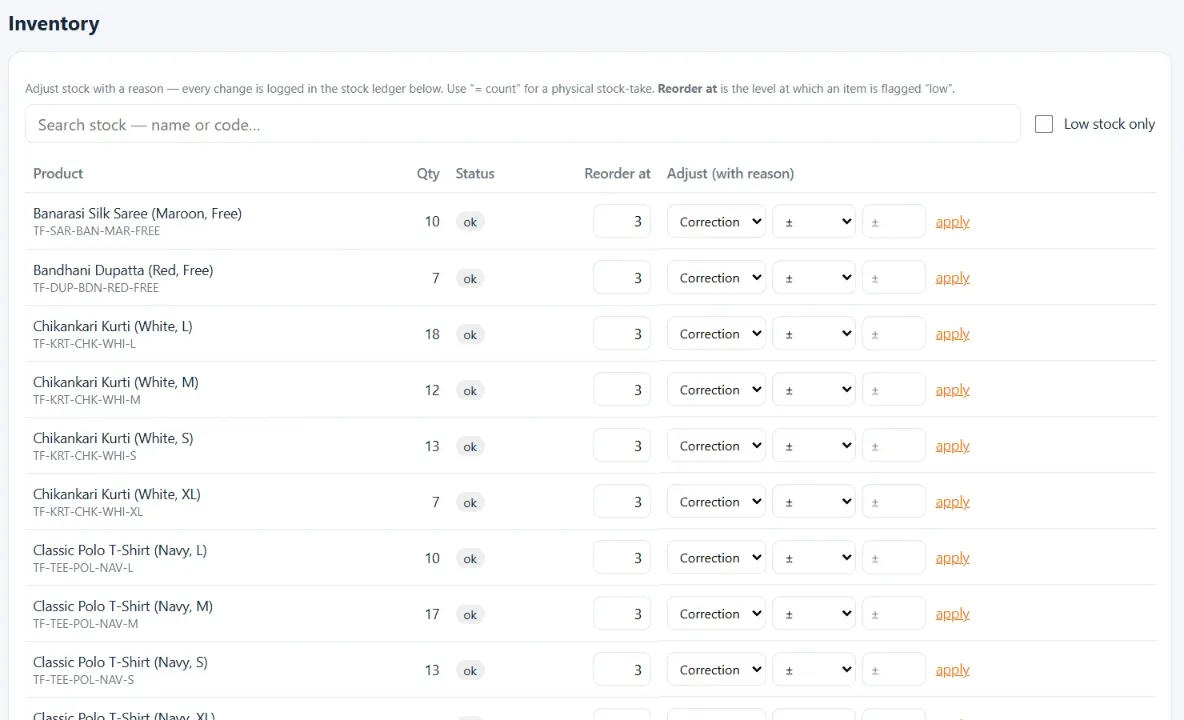
Each size has its own code and count, and low items are flagged.
Demo
Watch a quick look at the product, then book a free demo using your own kind of products and questions.
Walkthrough
These are the same screens you'll see in your demo, using a sample clothing shop.
Each size has its own code and count, and low items are flagged.
Print a tag with the item, code, QR and price. This is a real tag from the sample shop.

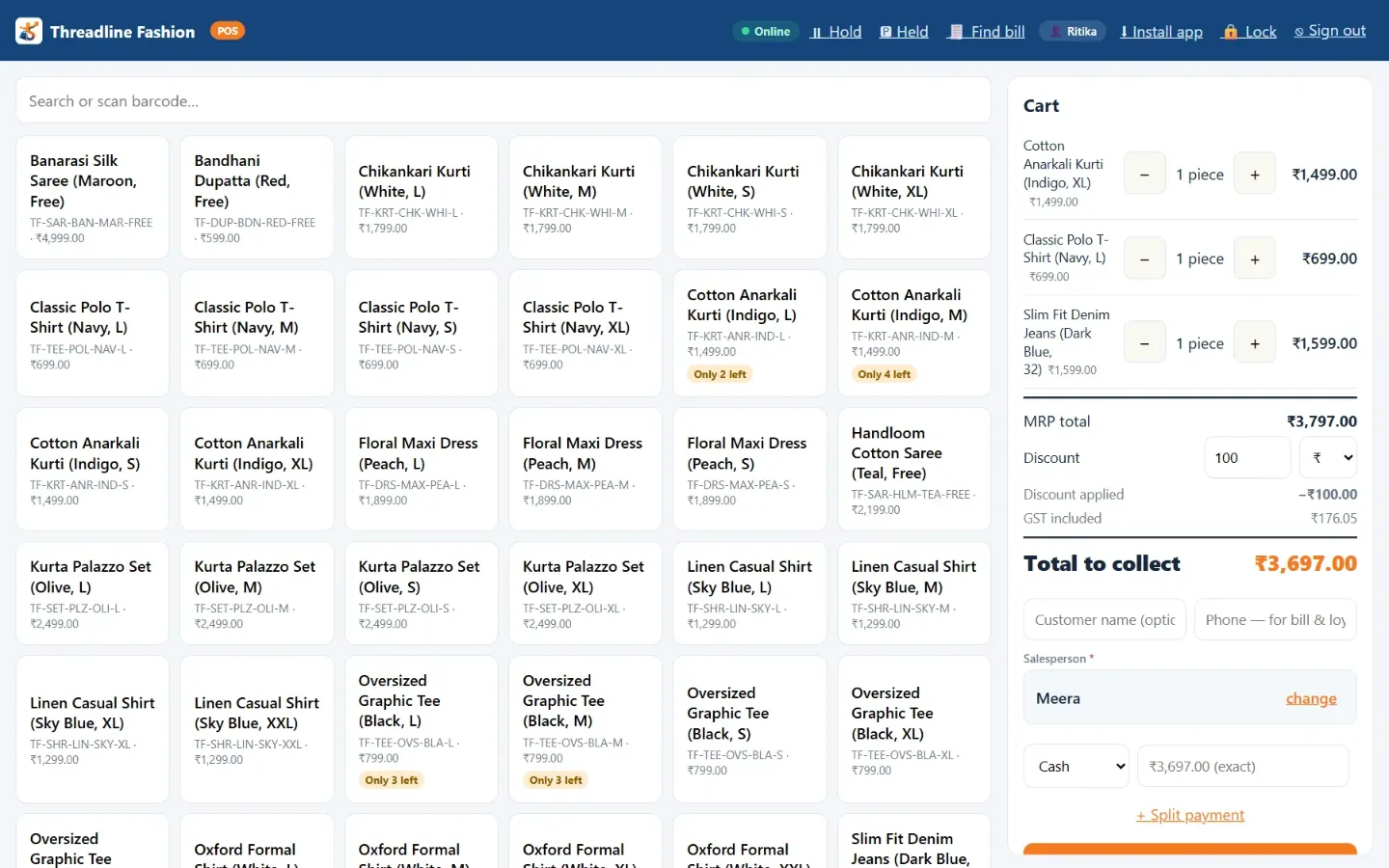
Items go into the cart. Apply a discount, choose how the customer paid and complete the sale.
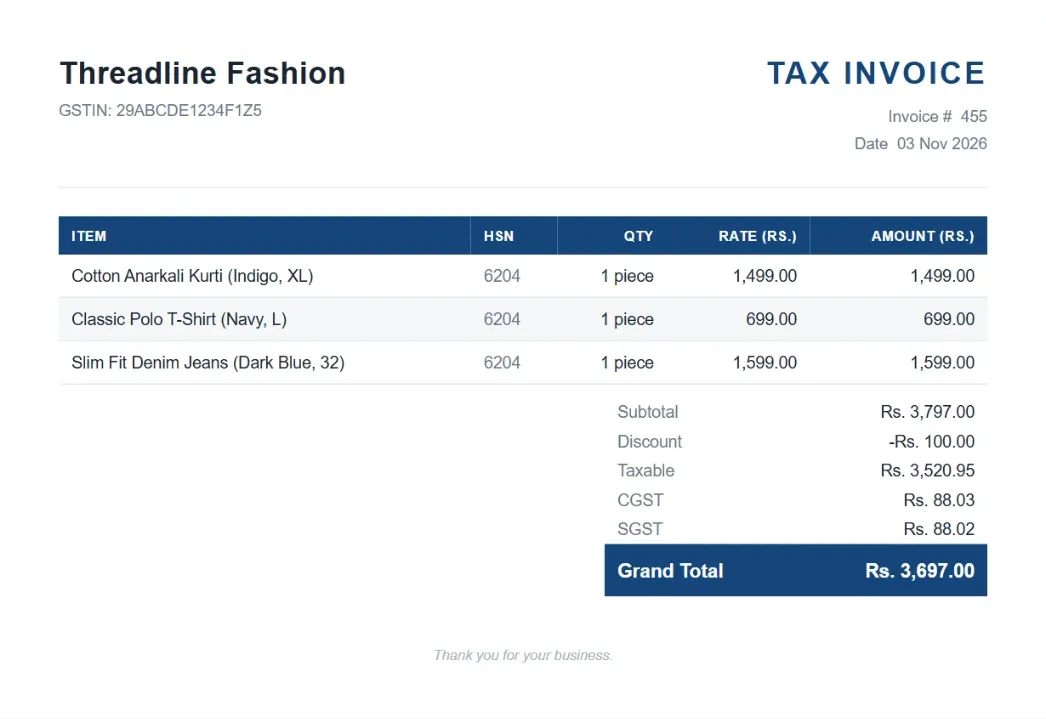
Print it, save a PDF, email it or share the bill link on WhatsApp.
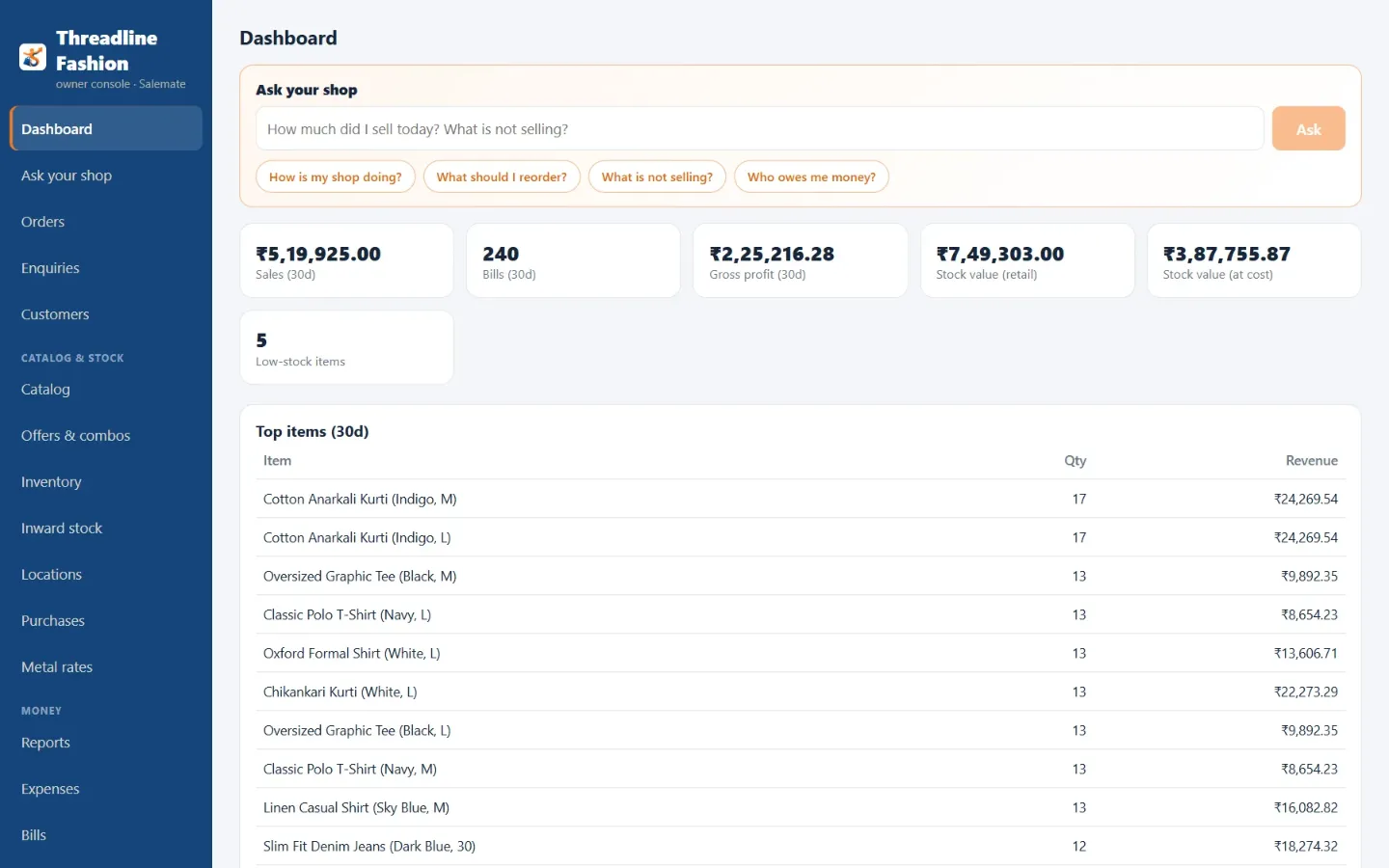
Your dashboard shows sales, gross profit, stock value and what's selling.
Message or call us. We'll answer your questions and help you choose a plan.